How to Install IPTV on Firestick (Step-by-Step)

Tech Support
Updated 2026 • 10 min read
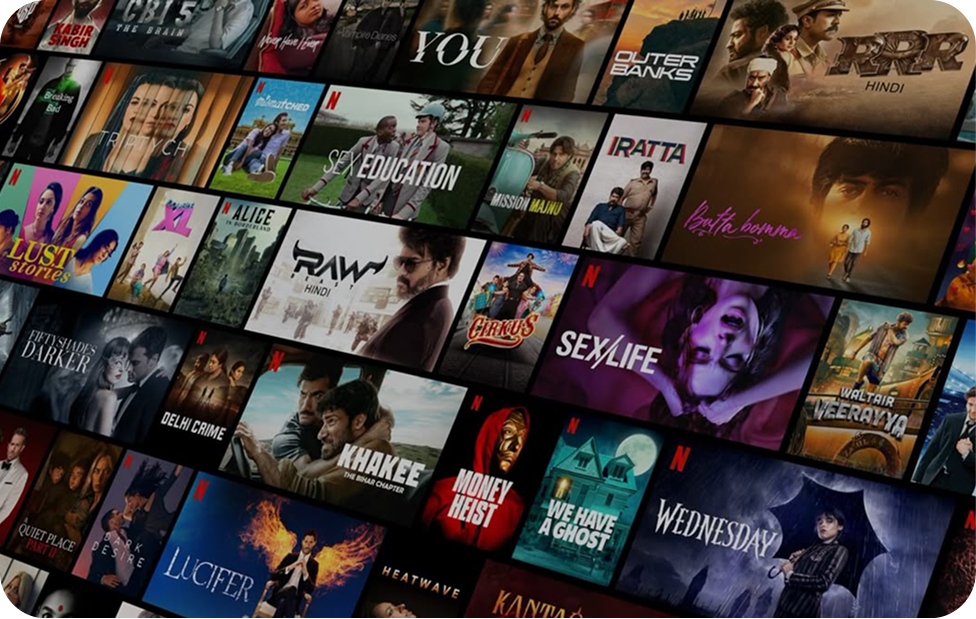
Complete Guide: Installing IPTV Smarters on Firestick for Digital IPTV
IPTV Smarters is one of the most popular apps for streaming live TV, VOD, and sports via IPTV on Amazon Firestick. This guide will walk you through every step of the installation process, including troubleshooting tips, setup optimization, and best practices for watching IPTV safely and smoothly. Whether you are new to IPTV or upgrading your subscription, this guide ensures you get the best experience with Digital IPTV.
With IPTV Smarters, you can watch thousands of live IPTV channels, on-demand movies, and sports events in Full HD, 4K, and HEVC. It supports multiple devices, EPG, parental controls, multi-language audio, and subtitles, making it the ideal IPTV solution for Firestick users.
Step-by-Step Installation Guide for IPTV Smarters on Firestick
Installation Steps
Once logged in, you can access live IPTV channels, VOD content, sports, news, and international channels directly on your Firestick. IPTV Smarters supports multiple playlists, fast channel switching, and high-quality streaming even during peak hours.
Optimizing IPTV Smarters for the Best Firestick Experience
- Enable 'Hardware Acceleration' in IPTV Smarters settings for smoother 4K streams.
- Use a stable Wi-Fi or wired Ethernet connection with at least 15–20 Mbps for HD and 50+ Mbps for 4K IPTV channels.
- Set default player to 'Internal Player' for faster loading, or 'External Player' for advanced playback options.
- Enable EPG (Electronic Program Guide) to view accurate TV schedules for live IPTV and sports.
Common Issues and Troubleshooting IPTV Smarters on Firestick
- If channels are buffering, check your internet speed and consider connecting via Ethernet.
- For login errors, confirm your Digital IPTV username and password are correct.
- If EPG is not loading, refresh the playlist and check that your subscription is active.
- For app crashes, clear the cache in Firestick settings or reinstall IPTV Smarters using Downloader.
Enhancing IPTV Security and Privacy on Firestick
Streaming IPTV on Firestick is completely legal if you use licensed providers like Digital IPTV. To stay secure, always use a VPN when accessing international IPTV channels or live sports. This prevents ISP throttling, protects your identity, and ensures uninterrupted streaming of premium IPTV content.
Advanced Tips for IPTV Smarters on Firestick
- Organize your playlists by genre, country, or sports league for easy navigation.
- Use parental controls to restrict access to adult or mature IPTV channels.
- Enable subtitles and multiple audio tracks for foreign-language IPTV streams.
- Regularly update IPTV Smarters to access the latest features and bug fixes.
- Combine IPTV Smarters with Digital IPTV VOD libraries for on-demand movies and series.
Why IPTV Smarters + Firestick is the Ultimate IPTV Setup
By combining IPTV Smarters with Firestick, you get a powerful IPTV experience: fast streaming, thousands of international channels, live sports, VOD, and advanced playback options in HD and 4K. Using a premium IPTV provider like Digital IPTV ensures server stability, reliable streaming, and exceptional customer support.
Pro Tip: Always keep a backup of your Digital IPTV credentials and playlists. This ensures quick recovery in case of app issues or device resets.
With this guide, installing IPTV Smarters on Firestick becomes simple, secure, and optimized for premium IPTV viewing. Enjoy all your favorite live TV, sports, and on-demand content directly from your Firestick, powered by Digital IPTV.